

Graphify is now an official Cursor Plugin
· 2 minute read

The Graphify Cursor plugin is now in the Cursor Marketplace. Install it, sign in, and ask Cursor how your code fits together: who calls a function, what a change reaches, how one symbol gets to another. Every answer comes back with the file and line behind it.
Graphify is shared codebase context for coding agents and the people who work with them, built on a code knowledge graph of your repositories: a map of functions, files, calls and imports. With the plugin, Cursor reads that map directly instead of searching file after file, and it can recall what your team saved to Memory.
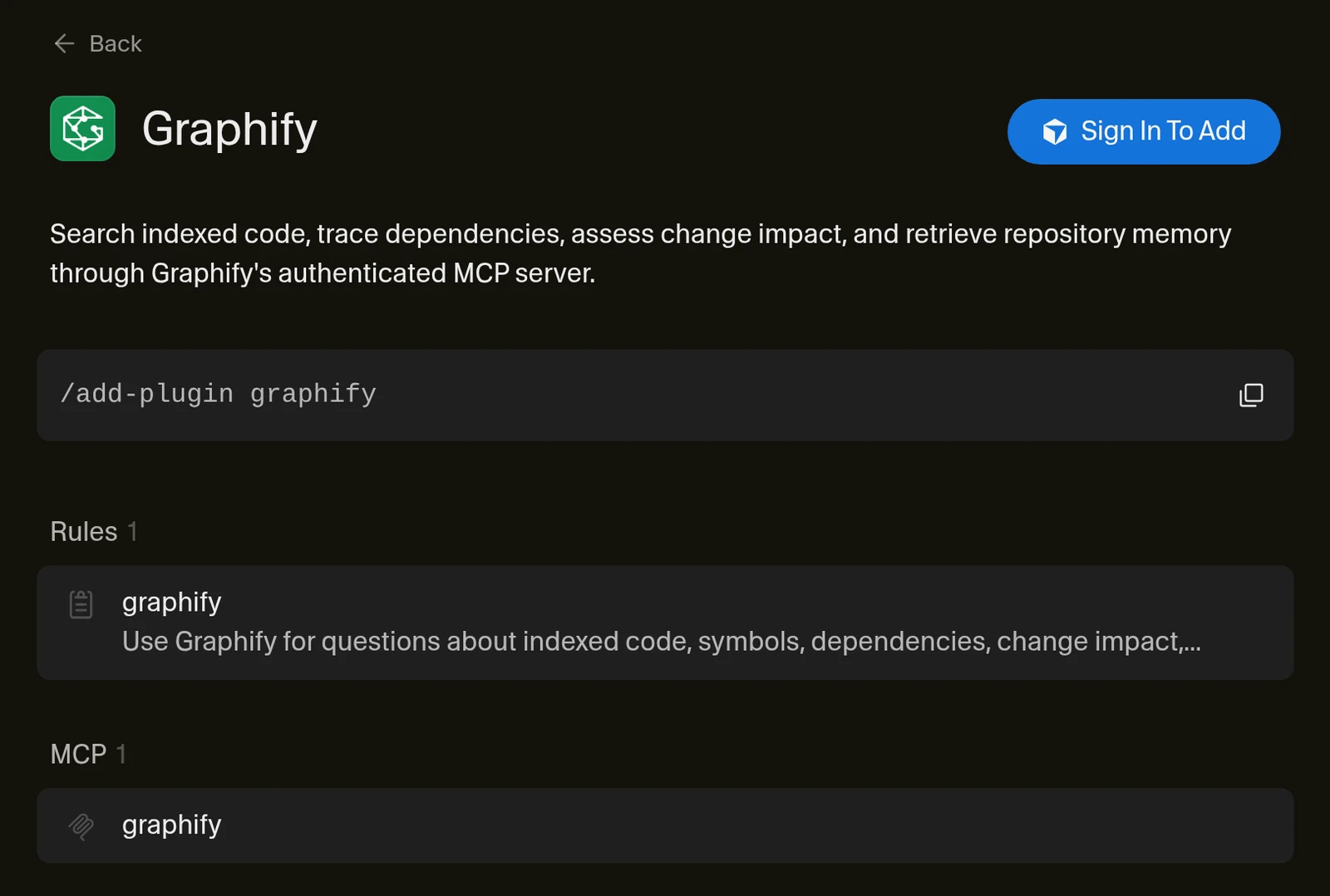
What's in the Graphify Cursor plugin
The plugin bundles two things:
- The Graphify MCP server at
https://api.graphify.com/mcp. It signs you in with OAuth in the browser, so there is no API key to paste. - A Graphify rule that tells Cursor's agent when to use Graphify for questions about indexed code, symbols, dependencies, change impact and repository memory, and to cite the files it found.
The source is public at Graphify-Labs/graphify-cursor-plugin.
What you can do
Cursor picks the right Graphify tool for your question. With the plugin installed, you can:
- Find a symbol and the files around it.
- See what calls a function, and what it calls.
- Trace how one symbol reaches another.
- Find the tests linked to a piece of code.
- Check what a change is likely to reach before you make it.
- Recall decisions and context your team saved for a repository.
Ask something like "Who calls the function that validates a session token?" and open the cited source to see the answer for yourself.
Getting started
Open the Graphify listing in the Cursor Marketplace and add it to Cursor. Inside Cursor, you can also open Customize in the sidebar, search for Graphify, select Install and choose user or project scope. The listing also shows a chat command, /add-plugin graphify, if you prefer that route.
Then open Cursor's MCP settings, select graphify, finish the sign in in your browser and pick the workspace that holds your repositories. Team admins can add it from the same listing with Add to Cursor, then Add to Team.
New to Graphify? Create a free account and connect a repository first. If you would rather build the graph on your own machine, the open source Graphify CLI starts with uv tool install graphifyy.
The Graphify for Cursor docs are the setup reference, including how to add the MCP server yourself. Use the plugin or a manual entry, not both, since every tool would show up twice. The Cursor integration page and the Graphify MCP server page cover the same endpoint for other clients.


