

Graphify with Claude: connector and Claude Code setup
· 6 minute read

Graphify is a connector in Anthropic's Connectors directory, and you can also add it to Claude Code with one command. Both sign you in with OAuth, so there is no API key to paste. Claude can then search your indexed repositories, follow callers and dependencies, and check what a change reaches. This is the full setup guide. For the short version, read the announcement.
Graphify is a code knowledge graph: your repositories as a map of functions, files, calls and imports that Claude queries over MCP. New to Graphify? Create your account free while you connect.
What Claude can do with GraphifyLink to What Claude can do with Graphify
Instead of opening and searching file after file, Claude asks the graph. With Graphify connected, it can:
- find a symbol and the files around it
- see what calls a function, and what a function calls
- trace how one symbol reaches another
- find the tests linked to a piece of code
- judge what a change is likely to reach
Claude picks the tool that fits your question, such as graphify_find, graphify_callers, graphify_trace, graphify_tests_for or graphify_impact. Each answer comes with source locations, so you can open the file and line behind it.
Before you startLink to Before you start
You need a Graphify account, at least one indexed repository and a Claude account.
- A Graphify account. You can create one while connecting. The Free plan covers up to 3 repositories and needs no card. See plans and pricing.
- A repository with the status Indexed. The quickstart connects GitHub and starts indexing.
- A Claude account. On Team and Enterprise plans, an Owner adds the connector for the organization, and members then connect with their own account.
Connect Graphify in the Claude appLink to Connect Graphify in the Claude app
This works in Claude.ai, the Claude desktop app and Claude mobile. Open Graphify in the Claude directory, then:
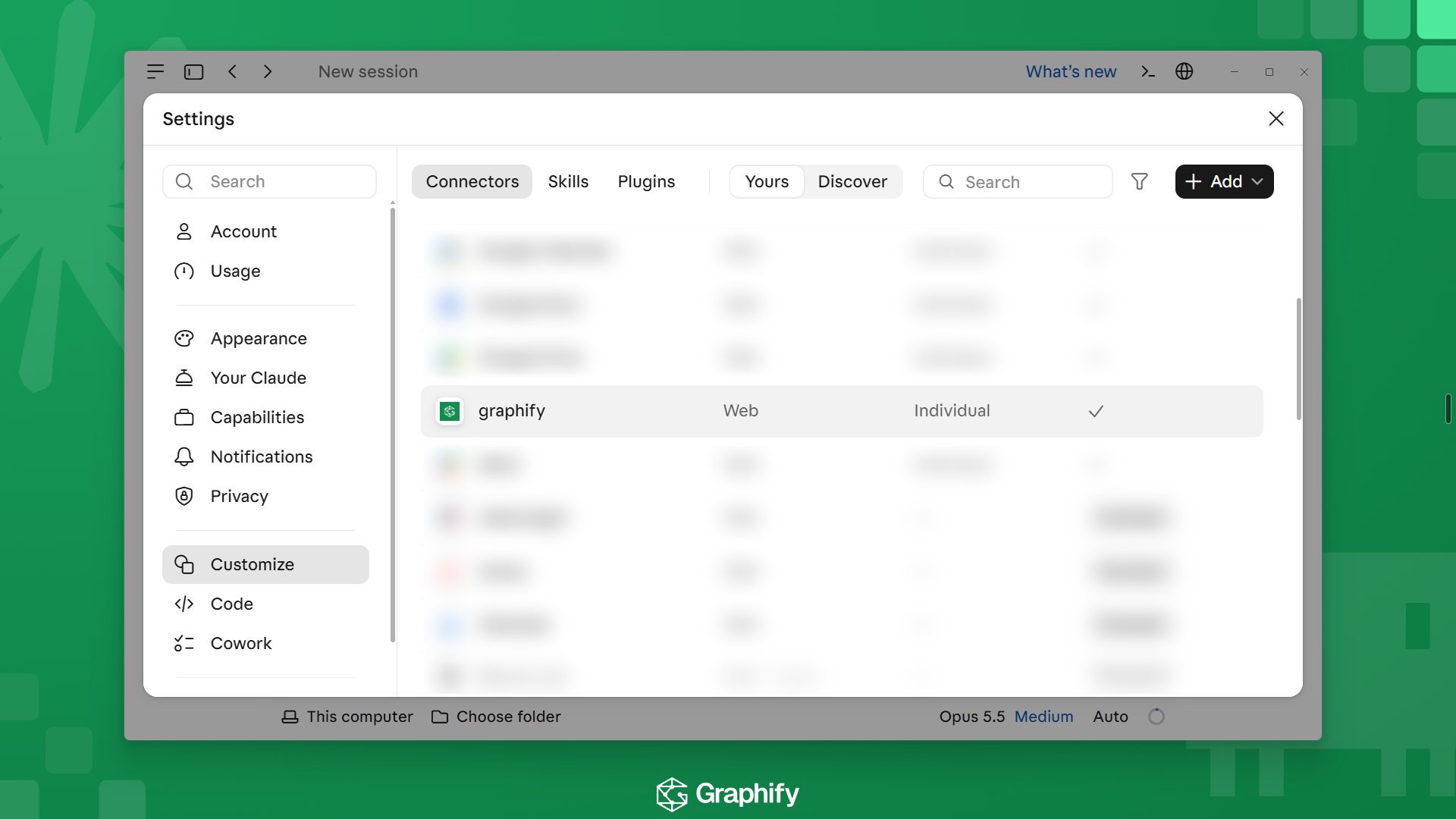
- Select Connect and finish the Graphify sign-in in the browser. You can also open Customize, then Connectors, select Discover, and search for Graphify.
- Pick the workspace that holds your repositories.
- In a chat, select the plus button, then Connectors, and turn Graphify on. The toggle is per chat.
- Ask about your indexed code. The first tool call may ask you to select Allow once or Always allow.
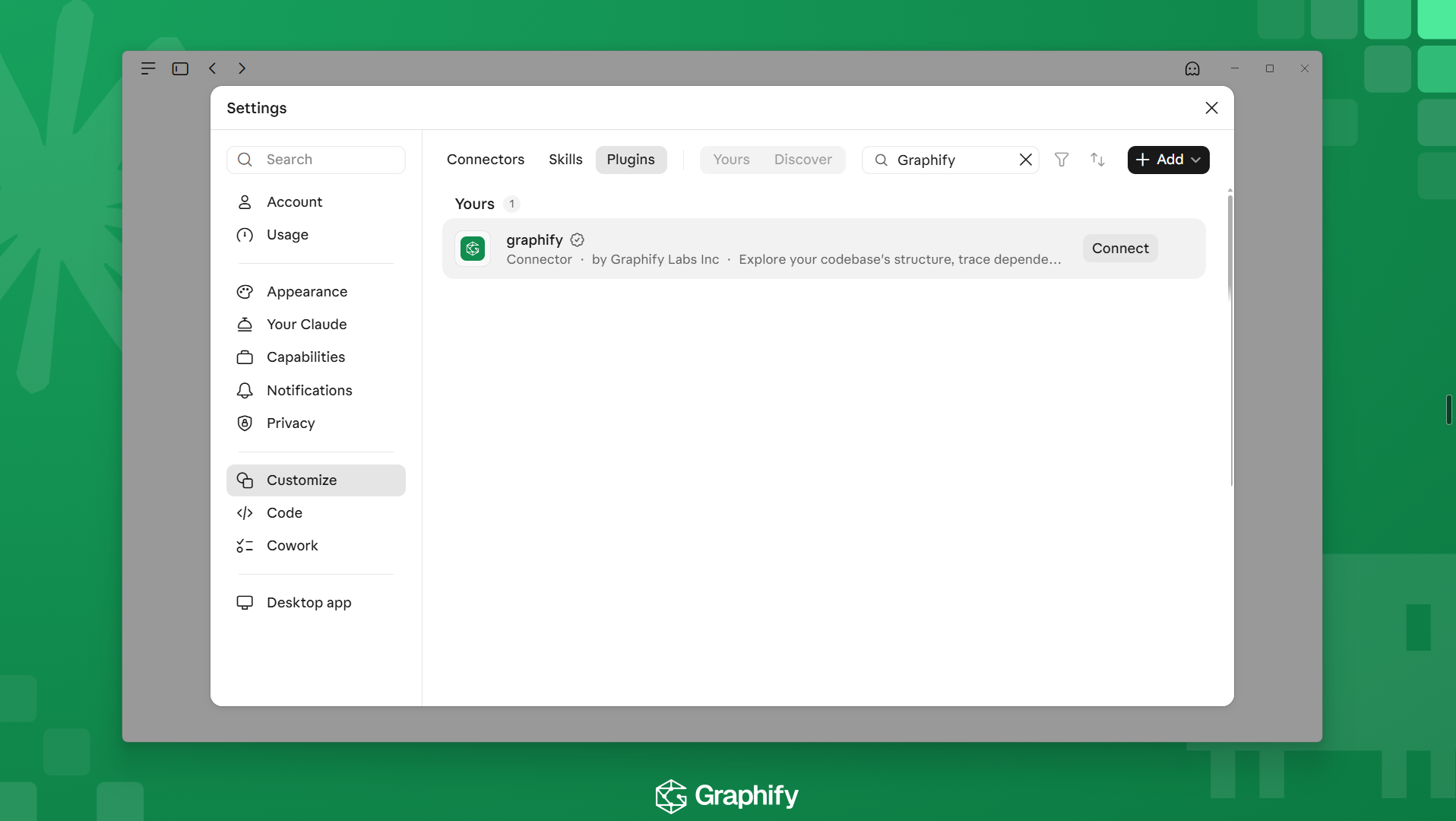
On a Team or Enterprise plan, an Owner sees Connect for your team and can also choose Connect just for me. Members may see Request until the connector is available for the organization. For a custom connector, open Customize, then Connectors, select Add, then Custom and Web, and enter https://api.graphify.com/mcp. You still sign in with OAuth.
Add Graphify to Claude CodeLink to Add Graphify to Claude Code
If Claude Code is signed in with the Claude account you connected Graphify to, the connector already appears under /mcp. Otherwise run one command in a terminal:
claude mcp add --transport http --scope user graphify https://api.graphify.com/mcp--scope user makes Graphify available in every project. Drop it to keep Graphify to the current folder. Use one path, either the connector or the command. If both point at the same URL, Claude Code keeps the local entry and hides the connector.
To share Graphify with a team, commit a .mcp.json at the repository root. Each teammate approves it once, then signs in from /mcp.
{
  "mcpServers": {
    "graphify": {
      "type": "http",
      "url": "https://api.graphify.com/mcp"
    }
  }
}
Adding the server does not sign you in. Run /mcp, select graphify, choose Authenticate, finish the sign-in in the browser and pick your workspace.
Check that it worksLink to Check that it works
Run claude mcp list in a terminal and look for graphify as Connected. Then ask Claude Code, or a Claude chat with Graphify turned on, for your repositories:
Use Graphify's list_repositories tool and show the repositories I can access.The list should match the workspace you chose at sign-in. To default Claude Code to one repository, add ?repo=owner/name to the endpoint. The verify connection guide has more test prompts.
What to ask firstLink to What to ask first
Pick a repository, name a symbol, file or area, and ask a structural question:
Who calls the function that validates a session token?What would break if I changed this module's public interface?Which tests are linked to the code I'm about to change?Open the source lines an answer cites before you change code. To have Claude reach for the graph on its own, add a short rule to your CLAUDE.md. Tell your agent to use the graph shows how.
Fix common problemsLink to Fix common problems
| What you see | What to do |
|---|---|
graphify shows Needs authentication | Run /mcp, select graphify, and choose Authenticate. |
/mcp doesn't list the claude.ai connector | Run /status. Connectors load with a Claude account login, not with ANTHROPIC_API_KEY, Bedrock or another provider. Run /login with your Claude account, or use claude mcp add. |
command not found: claude | You are in the desktop app or an IDE extension. Add the entry to ~/.claude.json as the Claude Code docs describe, then start a new session. |
| Graphify works in one project but not another | You added it at local scope. Run the add command again with --scope user. |
Pending approval next to graphify | It comes from a project .mcp.json. Start claude in that repository and approve it. |
| A Claude chat doesn't use Graphify | Select the plus button, then Connectors, and turn Graphify on for that chat. |
| The tools return no repositories | The repository is not indexed yet, or it is in a different workspace. Check Repositories and builds in Graphify. |
Only a graphify_setup tool appears | Finish setup at app.graphify.com/onboarding: create a workspace, connect GitHub and enable a repository. Then start a new session. |
Graphify as a skill in Claude CodeLink to Graphify as a skill in Claude Code
The open-source Graphify CLI also installs a /graphify skill that builds the graph on your own machine:
uv tool install graphifyy
graphify install --platform claude
Graphify in Claude Code: hosted MCP or a skill? compares the two.
Keep readingLink to Keep reading
- How to use Graphify with coding agents covers Claude Code, Cursor and Codex side by side.
- Ask questions about your codebase in plain English has more prompts to try.
- How to keep a code graph fresh on every push explains what triggers a build.
Ready to try it? Create your Graphify account, connect a repository, and add Graphify to Claude from the directory.
FAQLink to FAQ
Does Graphify work with Claude?Link to Does Graphify work with Claude?
Yes. Graphify is a connector in Anthropic's Connectors directory, so you can connect it from Claude.ai, the desktop app and Claude mobile. Claude Code can use it too, through your claude.ai connector or the claude mcp add command.
Do I need an API key to use Graphify with Claude?Link to Do I need an API key to use Graphify with Claude?
No. The directory connector and claude mcp add both sign in with OAuth in your browser, so there is no key to paste or store.
Why does the Graphify connector not show up in Claude Code?Link to Why does the Graphify connector not show up in Claude Code?
Connectors from claude.ai load only when Claude Code is signed in with a Claude account, not when ANTHROPIC_API_KEY, Bedrock or another provider is the active login. Run /status, then /login with your Claude account, or add the server with claude mcp add.

