

Vercel integration
· 2 minute read

Graphify now has a Vercel integration. It is listed on the Vercel Marketplace, and it is also a connector on Vercel Connect. A workspace owner or admin connects an existing Graphify workspace to the Vercel projects you choose. Each project receives a URL and a token for Graphify's hosted MCP server.
That server can answer from an indexed repository: a definition, the callers of a function, its dependencies, what a change reaches, and repository knowledge you saved. The answer includes file and line references. The integration writes the credentials. Your app sends them.
How the Vercel integration worksLink to How the Vercel integration works
Open Graphify for Vercel and select Connect Account. Authorize the existing Graphify workspace. Select the projects that should receive access. Production is selected by default. Preview is optional.
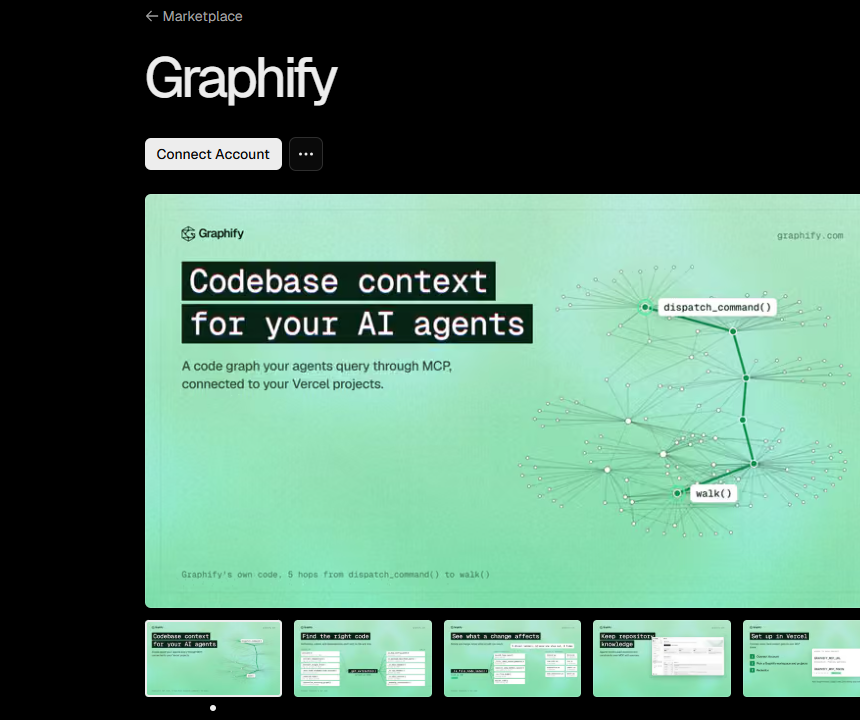
The integration adds two variables to each chosen project:
GRAPHIFY_MCP_URLis the hosted endpoint for that project.GRAPHIFY_MCP_TOKENis a sensitive token for that project.
Redeploy so a deployment that is already running can see the variables. In server-side code, send the token as Authorization: Bearer, and read the URL from the environment. Keep the token out of browser code.
The Vercel integration docs include the call for the AI SDK and the call for eve. The model id in that sample is the listing's sample. Graphify does not choose the model.
Your plan, your limits, and your bill stay on Graphify pricing. The repository needs to be indexed first, with agent access on. Sign in at app.graphify.com if it is not there yet.
A token for each personLink to A token for each person
Use Vercel Connect when each person using the app should authorize their own Graphify account. The Marketplace token is one token for the project. Connect is one token for the person.
From the project directory, link it, create the connector, and pull the local token. acme-graphify is the example name. The token id is graphify/ plus the name you choose.
vercel link
vercel connect create graphify --name acme-graphify
vercel env pull
@vercel/connect getToken takes that id and the person's id. Send the token it returns to https://api.graphify.com/mcp as a Bearer token. Both paths call the same hosted server as Graphify MCP.
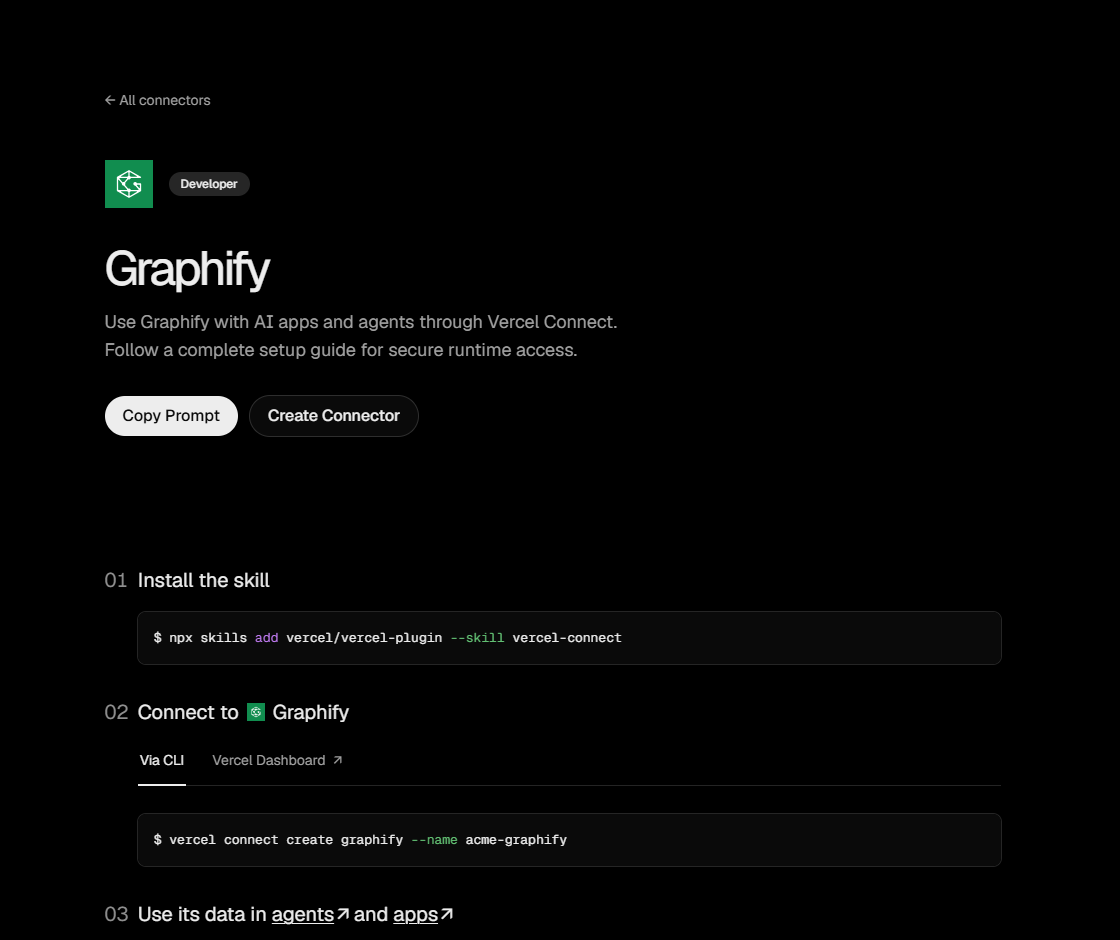
If a coding agent is writing the app, the Connect page starts with Vercel's skill, npx skills add vercel/vercel-plugin --skill vercel-connect. That skill is Vercel's. It is separate from graphify install.
Disconnecting a project revokes that project's token. Removing the integration revokes every token from that installation. Your Graphify account and your subscription stay.
If the variables are missing, the project was not selected, or it has not been redeployed. If the token is rejected, the project was disconnected, or the Bearer header is missing. If getToken fails on your machine, run vercel env pull again. If the answer is empty, the repository is not indexed, or it is in another workspace.